
WHY IT MATTERS
Your email is how your business gets paid
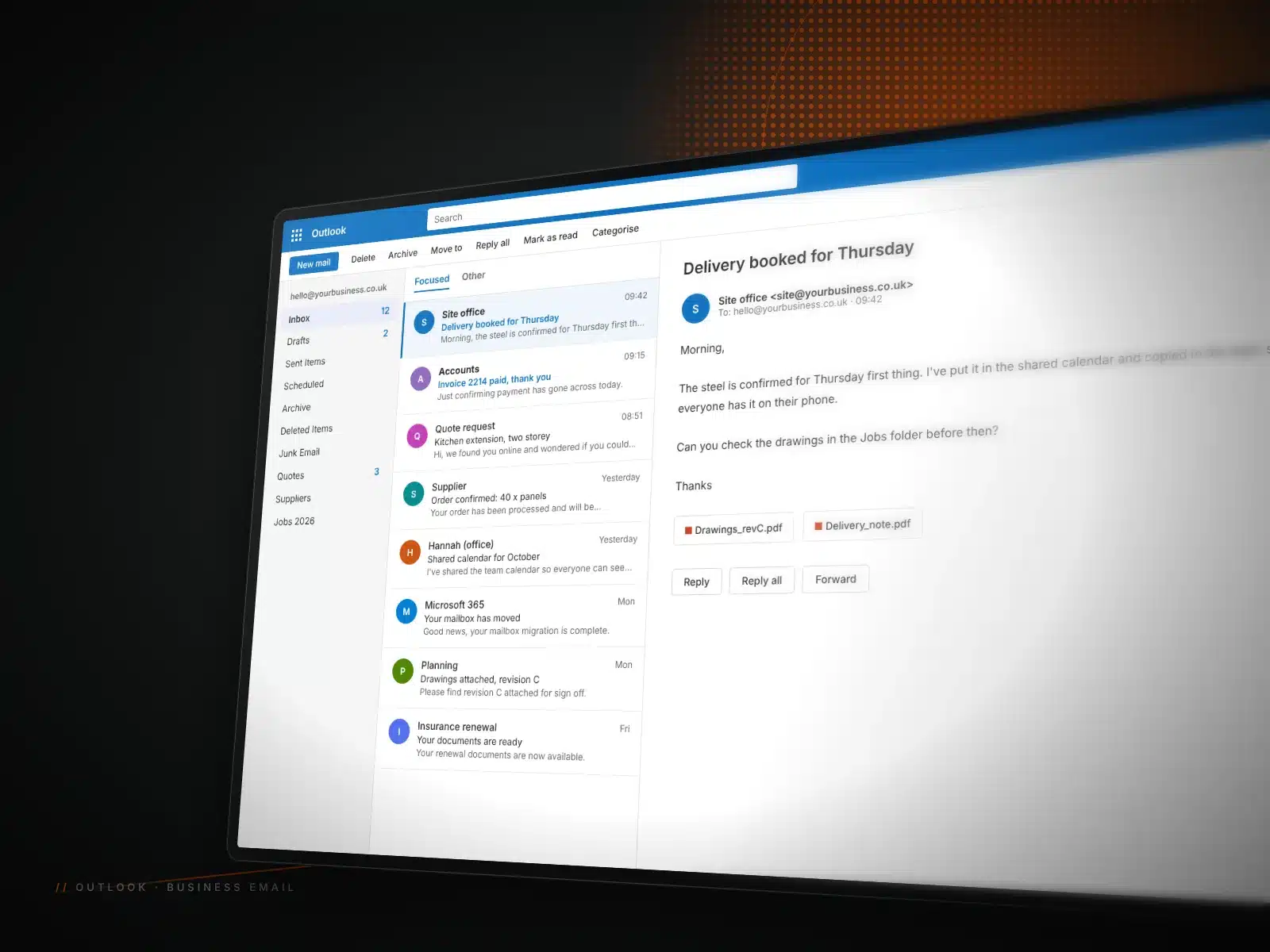
Quotes, invoices, site photos, supplier orders. For most businesses, email is where the money moves. So when it is unreliable, slow or tied to a free account that looks unprofessional, it costs you more than you might think. A proper Microsoft 365 setup for small business owners fixes that.
Microsoft 365 gives you professional email on your own domain, Outlook on your computer and phone, shared calendars, file storage and Teams. It is reliable, secure and familiar to almost everyone. The trick is setting it up correctly from the start, and moving your old email across without anything going missing.
That is where we come in. We plan the move, do the technical work, check everything arrives and help your team get comfortable with it afterwards.
WHAT’S INCLUDED
Business email setup and Microsoft 365 services

Business email setup

Email migration

Outlook on every device

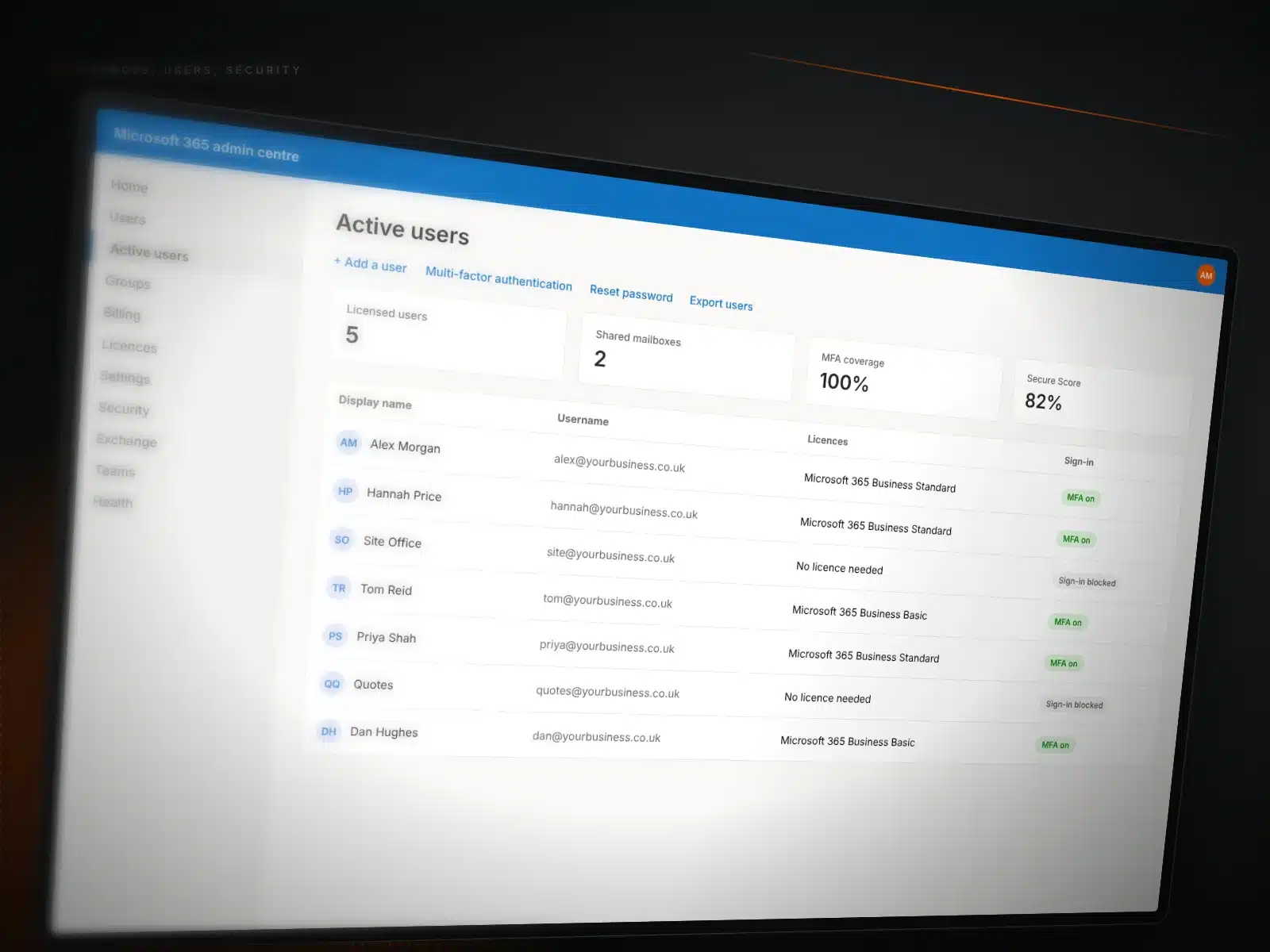
Shared mailboxes

Security basics

On-site help
MIGRATIONS
How to migrate email to Microsoft 365 without the headache
Moving email is one of those jobs that sounds simple and rarely is. Old hosting accounts, years of folders, different setups on different phones and a team that cannot afford a day without email. The key is planning.
We audit what you have, agree a switchover time that suits you, copy everything across and then switch your domain over. Afterwards we check that mail is flowing both ways, that old messages are in place and that every device is connected. If something looks off, we fix it there and then.
HOW IT WORKS
Our Microsoft 365 process

01 Review

02 Plan
03 Set up and migrate

04 Hand over
COSTS
What it costs
There are two parts: the Microsoft 365 licences, which are a monthly cost per user, and our time to set things up or migrate them. All prices exclude VAT.
Microsoft 365 licences
At Microsoft’s price
Per user, per month, depending on the plan. We will recommend the right one for each person.
Ask about this




 WordPress
 WooCommerce
 Google Ads
 Google Analytics
 Cloudflare
 Wix
Wix Adobe
Adobe Figma
Figma